Description of the section The Test area allows you to test your device and visualize the relative test reports.
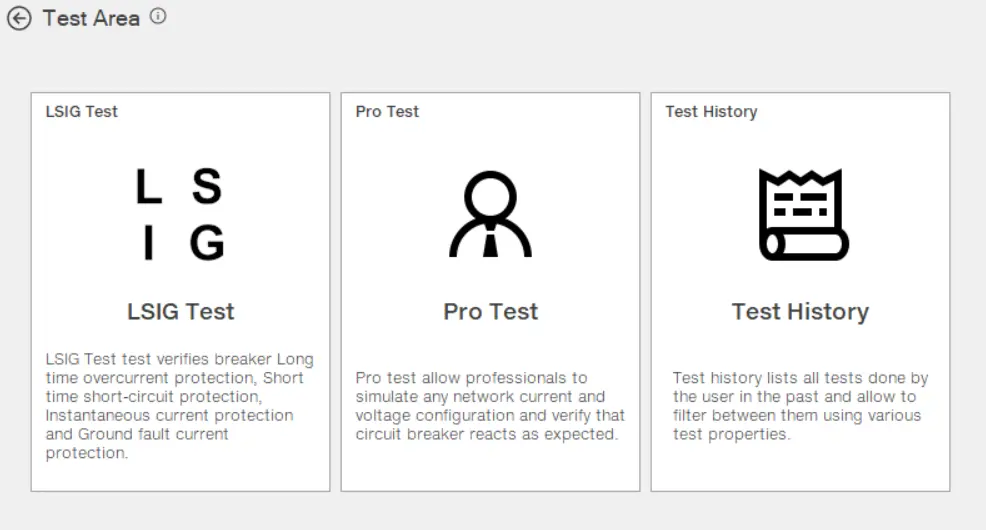
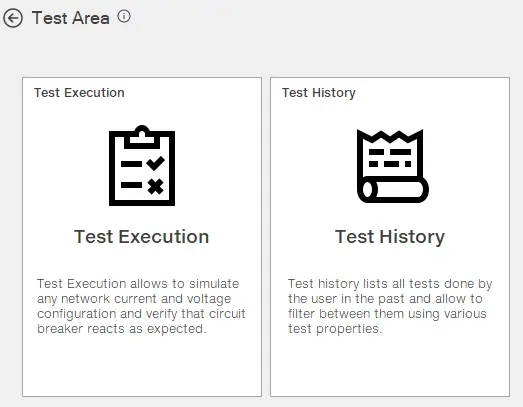
Test Area is divided in 2 main sections:
Test options
LSIG Test
Test Execution & Pro Test
Test History
Test Options
The tests, LSIG, Test Execution and Pro Test*, allow to observe the behavior of the device in conditions that are difficult to reproduce in reality, and to check and confirm the following:
the installation choices made
the value of the parameters configured on the device.
The tripping time displayed by Ekip Connect is merely simulated, with different tolerances compared to the real situation. The tests in each section (LSIG, Pro Test) are not a real current injection test. The purpose of this test section is to check whether, in the case of a particular fault event, a trip occurs according to a certain set of parameters.
*Pro Test is enabled only if user has a relative digital upgrade.
LSIG test is the test to verify the LSIG protections tripping activity. (Test area: LSIG Test)
Test Execution & Pro test refer to various test types that involve current/voltage injection to check protection tripping and circuit breaker opening and closing activity.
Types of tests in Test Execution and Pro Test The following types of tests are available:
Single Test: simulates manually customized current and/or voltage values (Test area: Test).
Test sequence: runs a sequence of predefined tests that cover the widest possible range of abnormal current and voltage values. Customized test sequences can be created (Test area: Test sequence).
Trip test: checks the operation of the opening solenoid. In particular, it verifies that, after a trip command, the circuit breaker switches from the closed to the open state (Test area: Trip test).
Test History
Test history allows to user to visualize and review test reports that are created in test options. Reports are always available once they are generated/ downloaded locally. (Test area: Test History)
Requirements
Access to the function
Unrestricted
Type of devices that support the function
External unit for circuit breakers (e.g. Ekip Up)
Circuit breakers
Device status
Connected and communicating Note: during the test, the currents must be at 0.
Type of connection with the device
Connection via Ekip T&P or USB Type C (where supported)